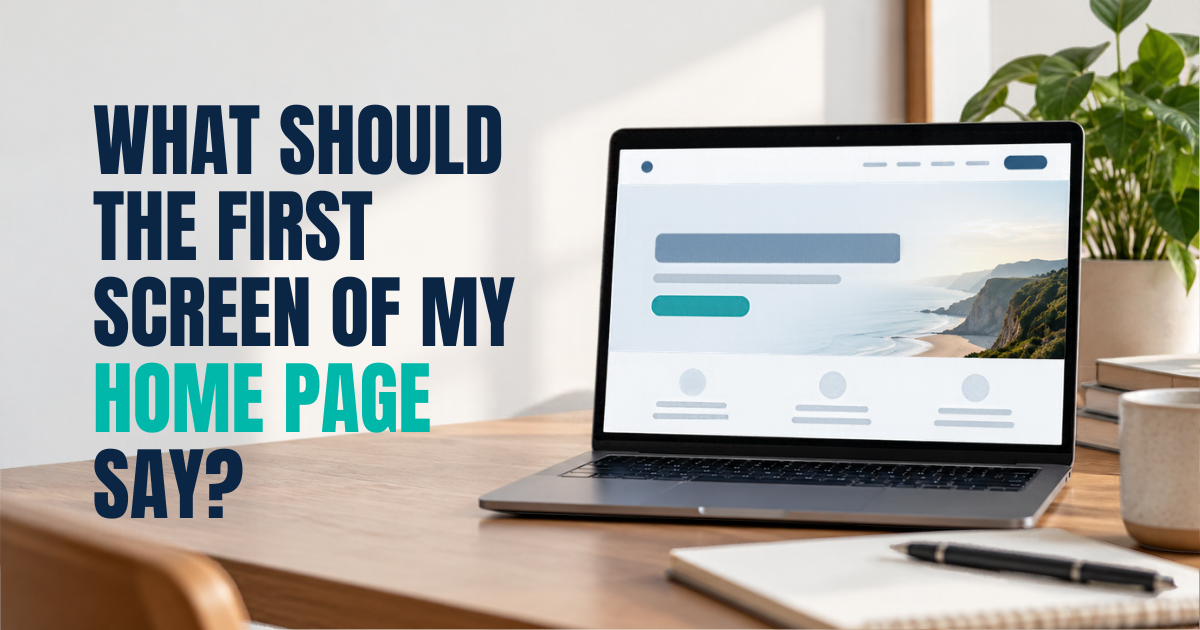
When someone lands on your home page, what do they see before they scroll? And would a stranger understand, from that alone, what you do and whether you can help them? If you’ve ever looked at your home page and thought “it says a lot, but does it say anything?”, you’re not alone. The top of the home page is one of the hardest bits of a website to get right.
By the end of this article, you’ll know what the first screen of your home page should say. You’ll have a simple order to follow and a test to check it. We’ll cover the headline, the line underneath, the button, trust near the top and what to leave out. Then we’ll show you how to test it with someone outside your business.
Key takeaways
- The first screen has one job: help the right visitor know they’re in the right place, and what to do next.
- The headline should say what you do in the words your clients use.
- One clear button works better than several competing ones.
- Real reviews or results near the top help people trust you sooner.
- You can test it in five seconds with someone who doesn’t know your business.
In this article
- The first screen has one job
- The headline says what you do, in your clients’ words
- The line underneath says who it’s for and what changes
- One button tells people what to do next
- A little trust near the top goes a long way
- What to leave off the first screen
- Test it in five seconds
The first screen has one job
The first screen is everything a visitor sees before they scroll. On a phone, that’s not much space at all. In that space, a visitor is trying to answer three quick questions. What do you do? Is it for someone like me? What do I do next?
If the first screen answers those, people tend to keep reading. If it doesn’t, many leave and try the next firm. So the first screen can leave most of your story for later. Its job is to say enough for the right person to stay.
The headline says what you do, in your clients’ words
The headline is the biggest line on the page. It’s often wasted on “Welcome to [Firm name]” or a slogan that could belong to anyone. A better headline says what you do, plainly, in the words a client would use. Here’s a made-up example for an accountancy firm.
- Before: “Excellence in every number.”
- After: “Accountants for small businesses who want their tax sorted and their numbers clear.”
The second one is less clever. But a business owner knows straight away if it’s for them. To find the right words, think about how clients describe their problem when they first call you. Those words usually make a better headline than anything written in a marketing meeting.
The line underneath says who it’s for and what changes
Under the headline, add one or two short lines. They add the detail the headline couldn’t fit.
That usually means who you help, where you work and what life looks like after working with you. Keep it to what matters most to the client.
For our made-up accountancy firm, it might read: “We help owner-run businesses in the East Midlands with tax, payroll and cash flow. No surprises at year end.” If you only serve one area, say so here. It saves time for people outside it, and reassures people inside it.
One button tells people what to do next
Many home pages put three or four buttons on the first screen. Call us, email us, book online, see our services. When everything is a button, nothing stands out. Pick the one next step you most want people to take, and make that the main button.
Use words that say what happens. “Book a free call” or “Get a quote” is clearer than “Learn more” or “Submit”. You can still show your phone number near the top, as many clients like to call. Make sure the main button is the clear first choice.
A little trust near the top goes a long way
People are more likely to stay if they see early on that others have trusted you. That doesn’t need much space. A short line with your real review rating can do the job. So can a few logos of bodies you belong to, or a one-line client quote. Only use what’s real and current.
Avoid stacking lots of award badges. Several badges from the same publisher can make people trust you less.
What to leave off the first screen
Some things often take up the first screen without helping the visitor. Consider moving these lower down, or removing them.
- Sliders that change every few seconds. Few visitors wait to see the next slide.
- Long welcome paragraphs. Nobody reads a wall of text before they know you can help.
- Your full history. It belongs on your about page.
- Every service you offer. Put a short summary further down, each linking to its own page. Our guide to what to put on each page of your website shows where everything else goes.
- Pop-ups that cover the page. They hide the very message you’re trying to show. Sometimes the problem with the top of the home page is the kind of enquiry it attracts. We cover that problem in our article on why a website brings in the wrong enquiries.
Test it in five seconds
Here’s a simple test. Show your home page to someone who doesn’t know your business. Give them five seconds, then hide it. Ask them three questions. What does this business do? Who is it for? What would you click next?
If they get all three, your first screen is doing its job. If they hesitate on any of them, you know which part to rewrite. Try it on a phone as well as a computer. The first screen on a phone is much smaller, so the headline and button need to be near the very top.
The same thinking applies to landing pages for ads. Our guide to landing pages that turn visitors into customers goes into that.
What this looked like for one client
One of our clients is a UK business on our monthly marketing plan. It gets 70+ website enquiries every month (between 63 and 92 a month, April to September 2026).
In my experience, a clear first screen is one of the first things worth getting right. The work runs together, so no single change can take all the credit.
Say less, but say the right thing
The first screen of your home page can leave your whole story for later. Its job is to tell the right visitor they’re in the right place. A clear headline in your clients’ words. A line on who it’s for and what changes. One button. A little trust. Then test it on someone outside your business, and keep adjusting until they get it in five seconds.
If you’d like a second opinion on your home page, book a More Clients Call. It takes under 30 minutes, and you’ll leave knowing what to change first.
Not ready for a call? Read what to put on each page of your website.