Someone forwards you an email saying your website isn’t accessible and could land the firm in trouble. Attached is a report with 40 red warnings on it.
Then you start reading, and every source says something different. One says WCAG 2.2 AA is the law. Another says the European rules apply from June 2025. A third mentions public sector regulations. None of them tell you which of those applies to a UK law firm.
Here’s the honest position on web accessibility, and where the sales talk has muddied it. I’ll separate the three sets of rules people mix up, and say which ones actually bind a private firm in the UK. Then the checks worth doing.
You’ll also get a plan for the day someone tells you they can’t use your site. That’s the situation that causes real trouble.
One thing first. I build websites, I’m not a lawyer, and you are. Treat this as the practical version and take anything specific to your compliance team.
Key takeaways
- The Equality Act 2010 is what applies to a private UK firm. It asks for reasonable adjustments, and that covers your website.
- WCAG 2.2 AA is the practical benchmark people measure against. It isn’t a statute for private firms.
- The 2018 public sector regulations do make WCAG a legal requirement, but only for public bodies.
- The European Accessibility Act applies if you sell to consumers in the EU, not to every UK business.
- Most of the useful work is small: contrast, labels, headings, keyboard access.
Contents
- Which rules actually apply to your firm
- Where the confusion comes from
- Why automated checkers aren’t enough
- What good looks like in practice
- What to do if someone says your site is hard to use
- Keeping it from drifting back
Which Rules Actually Apply to Your Firm
Three different things get talked about as if they’re one. They aren’t.
The Equality Act 2010. This applies to UK businesses, including private law firms. It asks service providers to make reasonable adjustments so disabled people aren’t put at a substantial disadvantage. Your website is part of your service, so it’s covered.
What the Act doesn’t do is name a technical standard. There’s no line in it saying “meet WCAG 2.2 AA”. The duty is about outcome and reasonableness.
The Public Sector Bodies (Websites and Mobile Applications) Accessibility Regulations 2018. These do name a standard, and they make it a legal requirement. They apply to public sector bodies. If your firm isn’t one, they don’t bind you, though you may meet them through contracts if you work for public bodies.
The European Accessibility Act. This is EU law, applicable from 28 June 2025. It bites on businesses selling covered products and services to consumers in the EU. If your firm serves UK clients only, it isn’t your obligation. If you sell services to consumers in an EU country, look at it properly.
So for most UK firms reading this, the answer is the Equality Act, with WCAG used as the yardstick.
Where the Confusion Comes From
Two things muddy it.
The first is marketing. Overlays and audit tools sell better when the message is “this is the law and you’re breaking it”. The accurate version is quieter. WCAG 2.2 AA is the accepted benchmark for a duty that’s judged on what’s reasonable.
The second is date headlines. The European Accessibility Act produced a wave of “new rules from June 2025” articles. Most didn’t say the rules depend on trading in the EU. If you read those and assumed they applied to your Derby high street practice, that wasn’t your fault.
None of this means ignore accessibility. The duty is real, and a client who can’t use your contact form is a client who goes elsewhere. Don’t buy a compliance product on the strength of a claim that isn’t true.
Why Automated Checkers Aren’t Enough
You can run your site through a free checker in a minute. It’s a fair starting point and a poor finish.
Automated tools catch things a machine can see. Missing alt text, low contrast, form fields with no label, headings in the wrong order. That’s worth having.
What they can’t judge is whether the alt text is useful, or whether the reading order makes sense. Or whether an error message tells someone what to fix. Or whether the site can be used without a mouse at all. Those need a person.
The quickest real test takes ten minutes. Put your mouse to one side. Using only the Tab key, try to get from your home page to a completed contact form. If you get stuck, or lose track of where you are, that’s what a screen reader user deals with on every visit.
Then check the same page with browser zoom at 200%. If text overlaps or buttons disappear, that affects a lot more people than you’d think.
What Good Looks Like in Practice
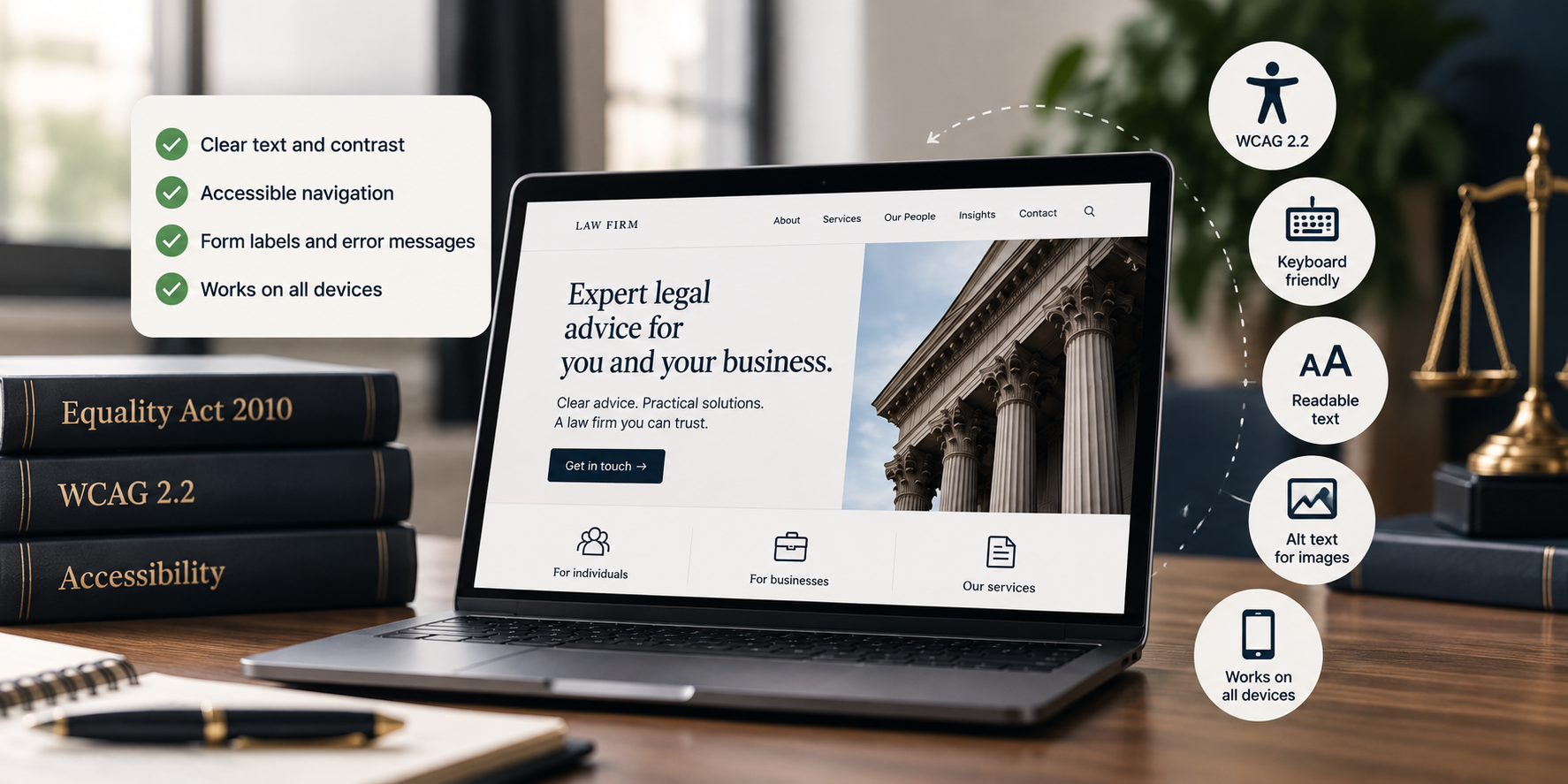
You don’t need all of WCAG memorised. These are the checks that cover most of the real-world problems.
- Every image that carries meaning has alt text that says what it shows. Decorative images don’t need it.
- Text has enough contrast against its background to be readable in daylight on a phone.
- Every page works with the keyboard alone, and you can always see which element is selected.
- Form fields have visible labels, not placeholder text that vanishes when you type.
- Error messages say what went wrong and how to fix it, in words.
- Headings describe the sections in order, and aren’t used to make text look bigger.
- Link text says where it goes. “Read our fee guide” beats “click here”.
- The page still works at 200% zoom.
- Video has captions, and audio has a transcript.
- Anything that times out warns the user and lets them carry on.
On a typical firm’s site that’s a day or two of work, not a rebuild.
An accessibility statement is worth publishing too. It isn’t a legal requirement for a private firm, the way it is for public bodies. It does tell people what you’ve done and how to report a problem. That matters when someone hits one.
What to Do If Someone Says Your Site Is Hard to Use
This is the moment that decides whether it becomes a complaint.
- Reply within a working day. Acknowledge it, thank them, and ask what they were trying to do.
- Give them another route immediately. A direct phone number, an email address, or an offer to take the details yourself.
- Reproduce the problem and note which pages it affects.
- Fix it, then test it the way they described.
- Go back and tell them it’s done.
A firm that responds like that has made a reasonable adjustment and shown willing. A firm that ignores the email has a much harder story to tell later.
For the wider picture on how enquiries get lost before anyone complains, Common Law Firm Website Mistakes That Stop Enquiries covers the rest.
Keeping It From Drifting Back
Accessibility work has a habit of undoing itself. Someone adds a PDF with no text layer. A new page uses pale grey text because it looks smarter. A plugin update changes the forms.
Three habits keep it steady.
Add the basic checks to whoever publishes content, so alt text and headings are part of the job rather than a project. Re-run a checker once a quarter, and do the keyboard test on any new page template. And when you brief a designer, say accessibility is expected, in writing, before the design is signed off.
That’s cheaper than fixing it twice.
Final Thoughts
Accessibility gets sold as a legal panic and treated as an IT job. It’s neither.
For a UK firm, the duty is to make reasonable adjustments so a disabled client can use your service. Your website is part of that service. The technical standard is a yardstick for that duty, not a separate law you’re breaking.
Start with the ten-minute keyboard test and the checks in the list above. Most firms find a handful of fixable things and nothing terrifying.
And if someone does get in touch to say they can’t use your site, treat it as the useful information it is. Answer quickly, give them another way through, and fix the thing they found.
If you want to know where else your site is losing people, take the Enquiry Gap Assessment. Six questions, about two minutes.
Take the Enquiry Gap Assessment